- Feozan Group
- Designs & Technologies
- Daily Sales Report
Know what your sales team did today. Without asking.
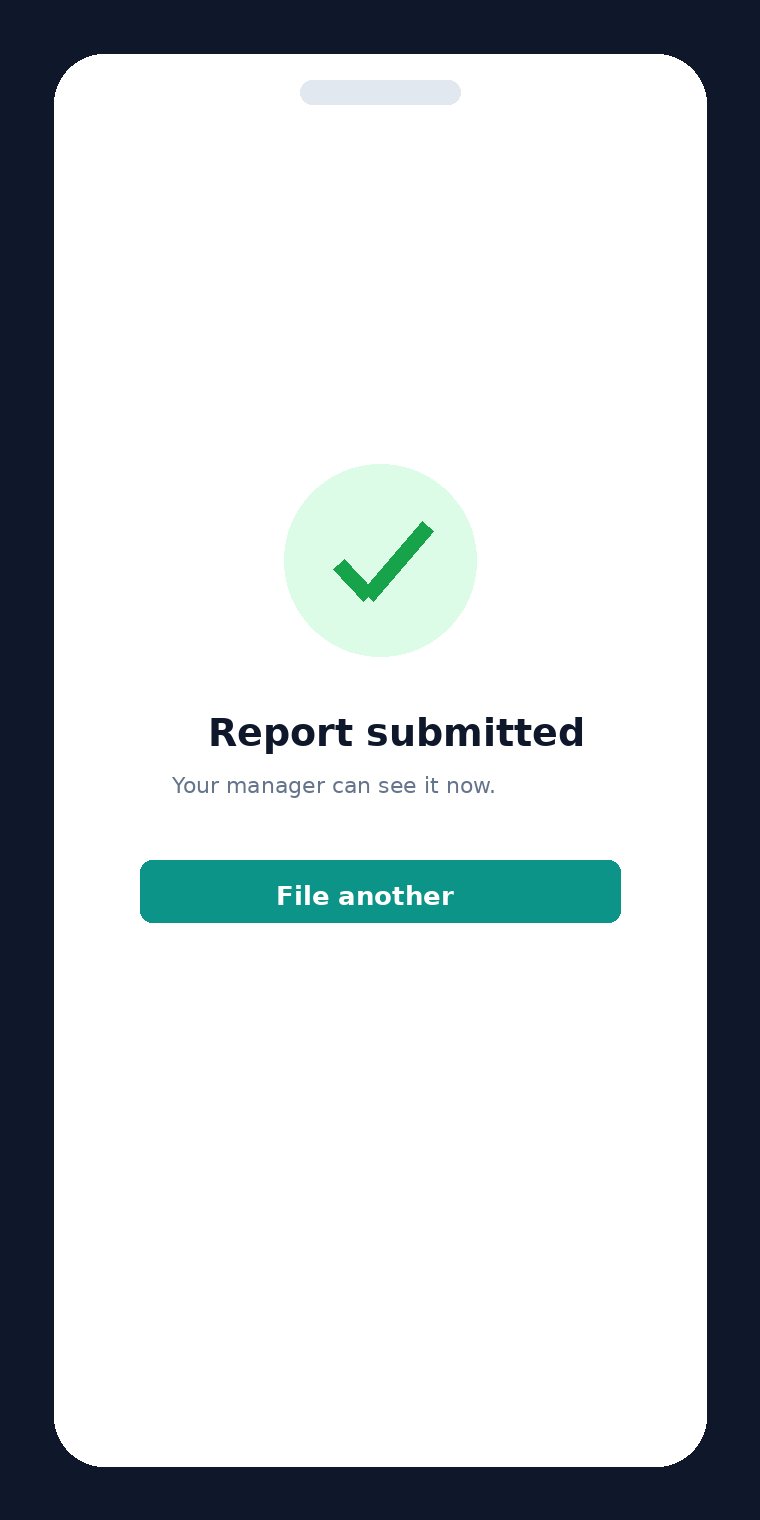
Salespeople file a six field report from their phone after each client visit. About thirty seconds. You see the whole day on a live dashboard the moment it is submitted.
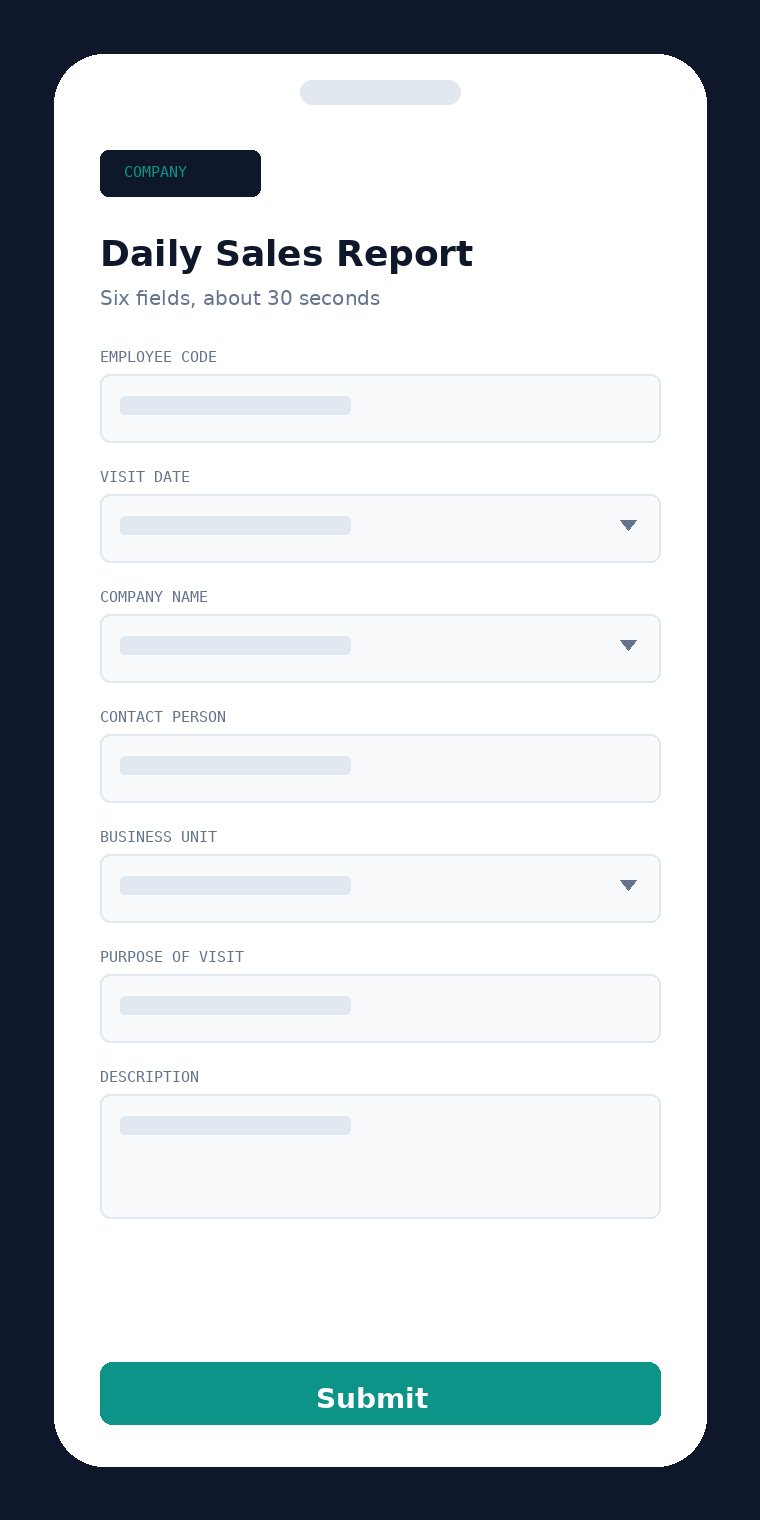
Six fields, 30 seconds
Opens in any phone browser. No app store, no password, no training session needed.
Clients track themselves
The customer list builds and maintains itself from the visits your team actually files.
One live dashboard
Five figures with week on week comparison, plus who is active and who has gone quiet.
The problem
Where the sales day disappears
Sales managers often cannot say with confidence what the team did on any given day. The information exists, it just never reaches them.
Reports arrive in fragments
WhatsApp messages, half remembered conversations, the Monday meeting. Nothing in one place and nothing searchable six weeks later.
Leads go cold unnoticed
A customer gets visited once and then forgotten, because there is no record showing that a follow up is overdue.
The alternatives do not fit
Enterprise CRMs take weeks to configure and price per seat. Spreadsheets stop being updated by week two.
The three views
One tool, three jobs
The salesperson files it. The manager watches it. The record stays searchable.
The salesperson
Opens a link on their phone, enters an employee code that autocompletes after the first use, fills six short fields and submits. No password to remember, nothing to install.
- Visit date, defaulting to today
- Company name, autocompleting from previous visits
- Contact person and business unit
- Purpose of visit and a brief description
The manager
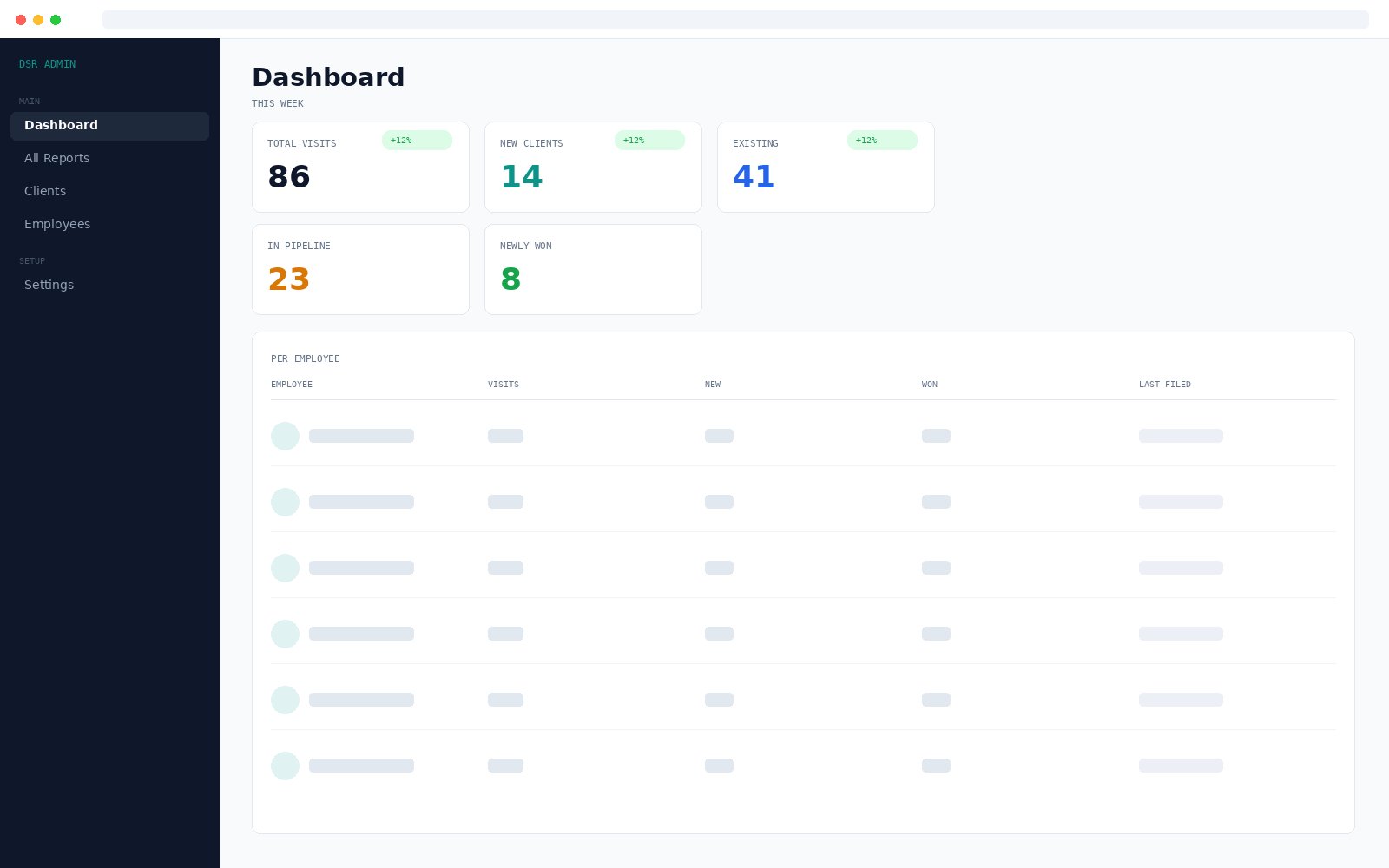
Five figures across the top with week on week comparison, then a per employee breakdown showing who is active, who is producing and when each person last filed. Every number drills into the reports behind it.
- Total visits, new clients, existing, in pipeline, newly won
- This week, last week, this month or a custom range
- Filter by business unit
- Per employee activity with last filed time
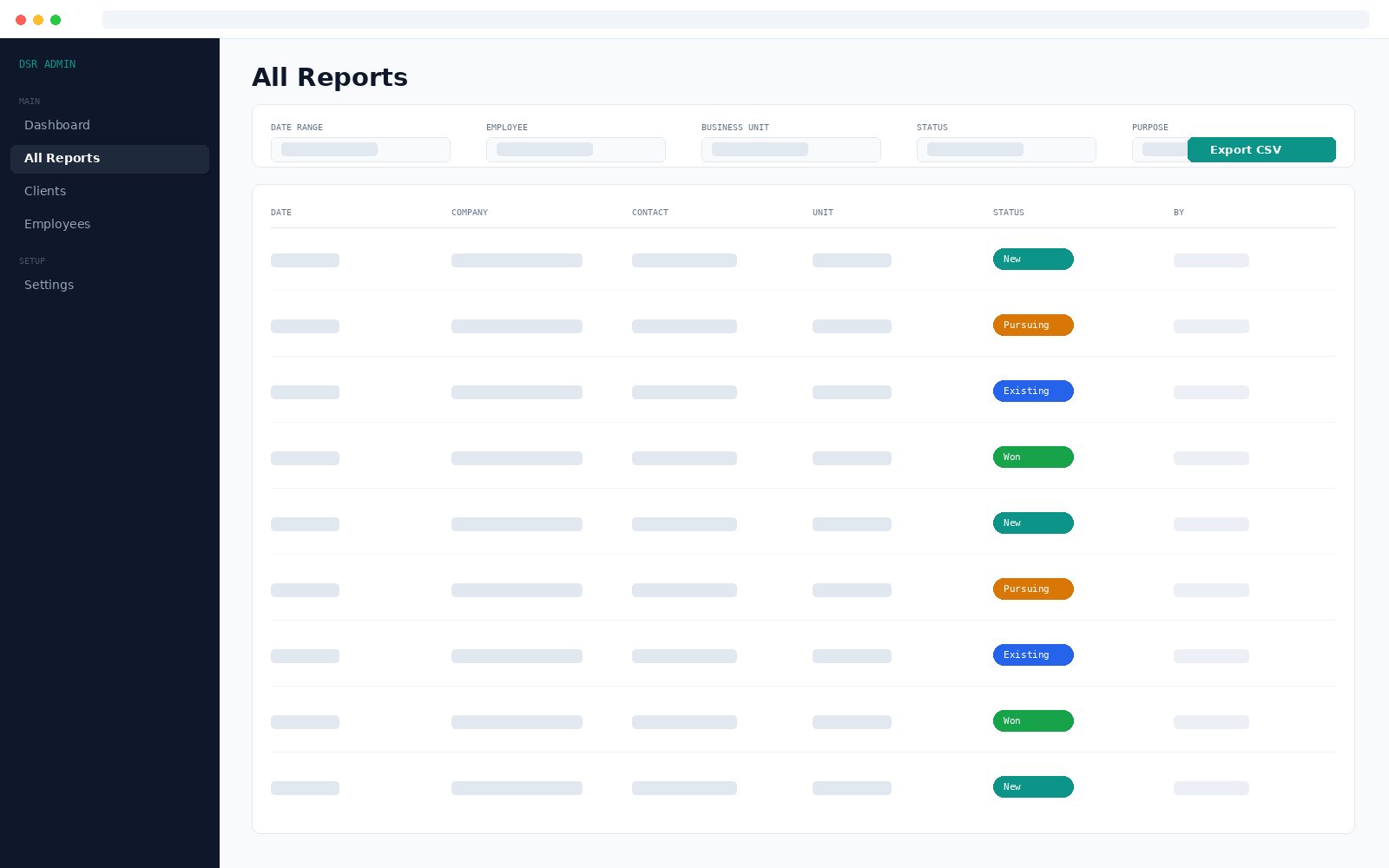
The reports view
The full historical record. Every filter combines with the others, so you can narrow to one salesperson, one business unit and one status across a date range, then export exactly that.
- Filter by date range, employee, business unit, status or purpose
- Click any report for the full detail
- Export the current filtered view to CSV in one click
Pipeline states
Companies are categorised for you
The built in engine sets the state from visit patterns. A manager can mark a win manually, and the change is kept in the audit log.
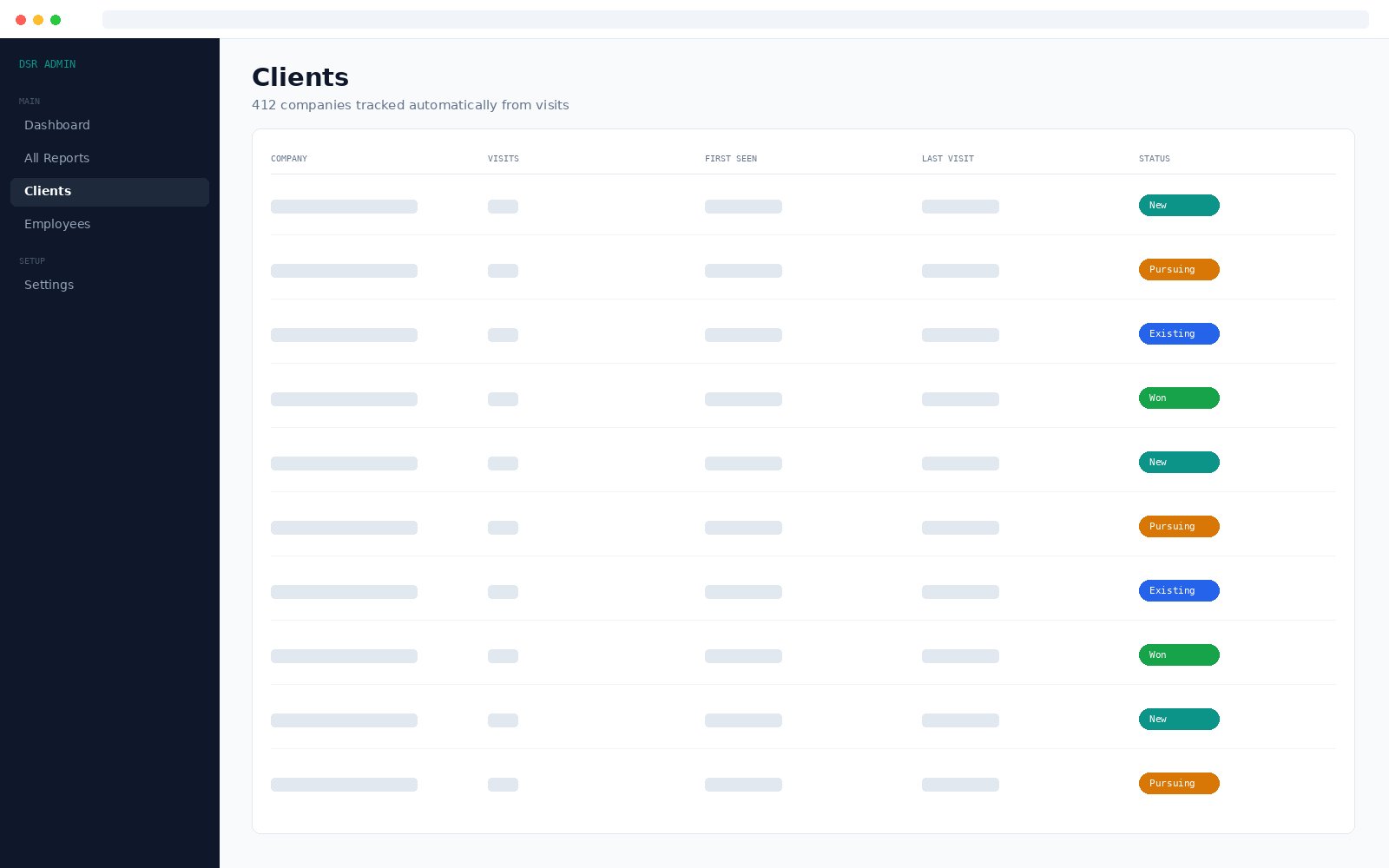
The client list builds itself
You never import a customer database or maintain one by hand. Every company your team visits is added automatically with its visit count, when it was first seen and when it was last visited.
- No manual data entry to keep it current
- Visit history held per company
- Managers can correct company names, with the change logged
Features
What is in it
Real time reporting
Visits appear on the dashboard the moment they are submitted. No delays, no batch syncing.
Zero friction form
Any phone. No app, no password. Six fields, about thirty seconds.
Automatic client tracking
The client list is built from actual visits, with no manual data entry.
Smart pipeline states
New, Pursuing, Existing or Won, set from visit patterns by the built in engine.
Per employee analytics
Who is active, who is producing, who may need coaching. Same dashboard.
Combining filters
Date range, employee, business unit, status or purpose. Filters stack.
CSV export
One click on the filtered result. Opens in Excel, Google Sheets, anything.
Manager side editing
Fix mistakes, mark wins, adjust names, with a full audit log of every change.
Any device
Phone, tablet or computer with a modern browser. Nothing to install.
Secure by design
HTTPS, bcrypt hashing, session security, rate limiting, encrypted nightly backups.
Configurable units
Two business units or five, set to match how your company is organised.
Per employee rate limits
Each salesperson gets their own quota, so shared office Wi-Fi blocks nobody.
Fit
Who it is for, and who it is not
✓A good fit
- Any business whose salespeople visit customers in person
- Printing, signage, real estate and construction supplies
- Food distribution, industrial equipment, medical device sales
- Insurance and hospitality supplies
- Teams that tried spreadsheets or WhatsApp groups and gave up
- Managers who want visibility without a two month rollout
✕Not a good fit
- Large enterprises with existing CRM investments
- Inside sales teams working purely by phone or email
- Businesses needing marketing automation or quote generation
- Complex opportunity management, which is a full CRM job
Proof
Six months of daily use before we sold it to anyone
Daily Sales Report has run at Fusion Advertising since May 2026, a signage, fabrication and printing company running two business units. Every feature on this page was refined against real daily use there.
Book a demoDeployment
Live in one week
Kickoff call
Understand the team, the industry and any existing data. Agree the scope.
Setup and branding
Deploy to hosting, apply your logo and colours, configure business units.
Data migration
Existing records brought across, if you have any worth keeping.
Team training
Two hours for the sales team, a separate session for managers.
Go live
The team starts filing, with active monitoring through the first days.
Setup includes
Deployment on your hosting, custom branding, business units configured for your industry, employee and manager accounts, data migration where applicable, a two hour training session and thirty days of email support.
Monthly includes
Hosting oversight, uptime monitoring, nightly automated backups, security patches, framework updates, bug fixes at no extra charge, same day email support and quarterly review calls.
Built for reliability
Technical details
- Backend
- PHP 8.3 or later with MariaDB or MySQL
- Frontend
- Responsive HTML, CSS and JavaScript. Any modern browser
- Hosting
- Secure cloud hosting, in country where compliance requires it
- Backups
- Automated nightly database backups with retention
- Uptime
- Monitored around the clock
- Data ownership
- You own your data. Full CSV export at any time
Security measures in place
- HTTPS only
- bcrypt password hashing
- CSRF protection
- Session security
- Rate limiting on the public form
- Honeypot spam protection
- Prepared SQL statements
- Full input validation
Questions
Before you enquire
Does the sales team need to install an app?
No. The form opens in any phone browser. There is no app to install and no password to remember. The salesperson enters an employee code, which autocompletes after the first use.
How long does filing a report take?
About thirty seconds. There are six fields, the date defaults to today, and the company name autocompletes from companies already visited.
How is a company marked as New, Pursuing, Existing or Won?
The system sets the state from visit patterns using its built in engine. A manager can also mark a win manually, and every manual change is kept in an audit log.
Do we have to enter our client list first?
No. The client list builds itself from the visits your team files. There is no separate data entry step.
Can we get our data out?
Yes. Any filtered view exports to CSV in one click and opens in Excel or Google Sheets. You own your data.
Is it a replacement for Salesforce or Zoho?
No. DSR does one thing: structured daily visit reporting for field teams. If you need marketing automation, quote generation or complex opportunity management, a full CRM is the right tool.
How is it priced?
A one time setup fee plus a monthly maintenance charge, both quoted on team size and support level. There is a risk free trial period in the first thirty days after go live. Email hello@feozan.com for a quote.
Get started
Tell us what is slowing your team down
Tell us your team size and whether you want it hosted by us or on your own server. We will send a quote and can show you a live demo in fifteen minutes.